
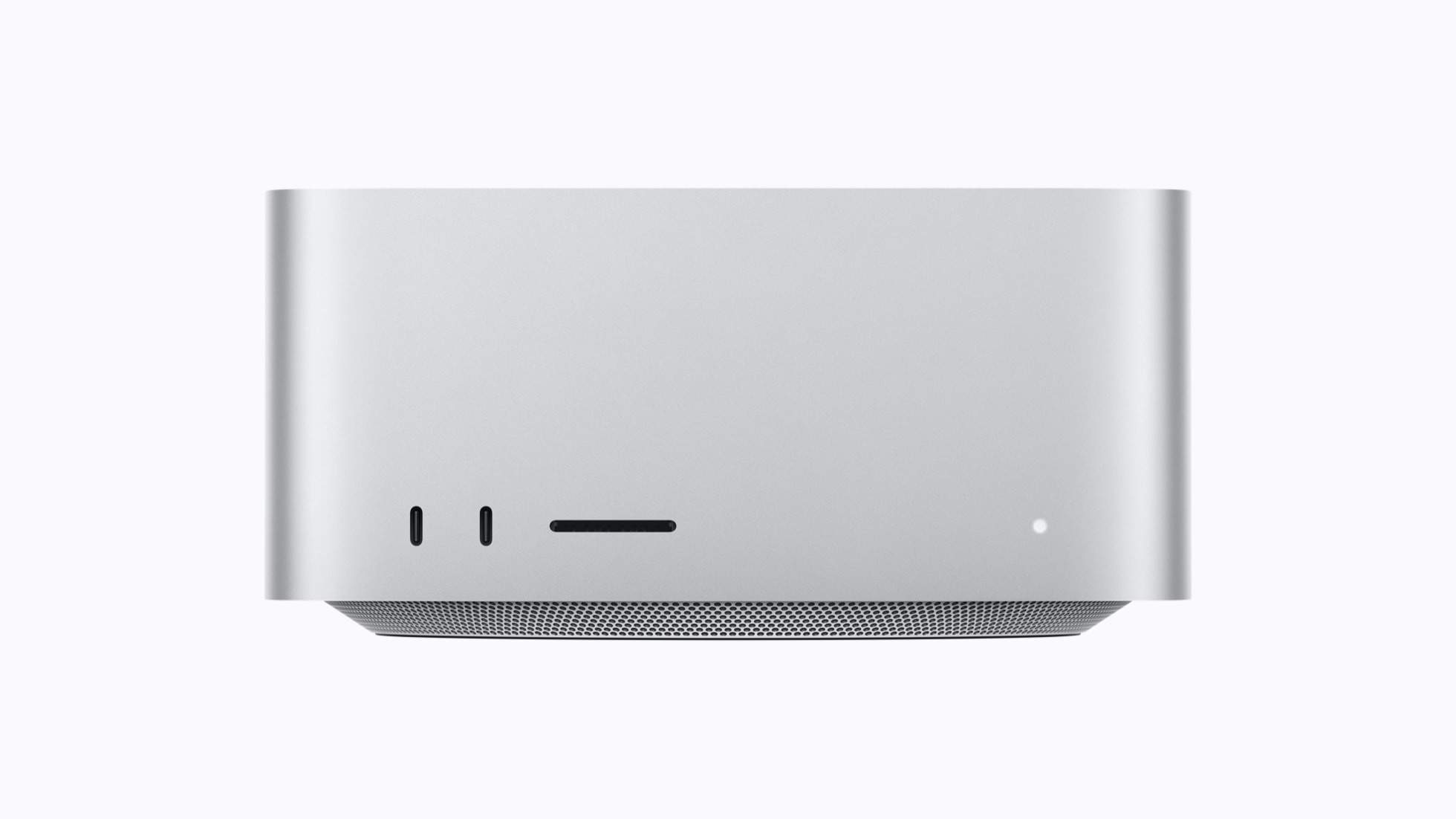
When Apple ships a desktop with 512GB of unified memory, the local AI crowd stops joking about Macs. The new Mac Studio with M5 Ultra landed this week, and the r/LocalLLaMA reaction was not the usual spec-sheet drooling. It was people doing token math on a machine that finally makes 400B parameter models a kitchen-table project.
The machine that changed the conversation
The M5 Ultra tops out at 512GB of unified memory with 1.2TB/s of bandwidth. For comparison, an RTX 5090 carries 32GB at 1.8TB/s. The GPU cannot hold a 400B model. The Mac can hold it, several of them actually, and still have room for your photo library. Bandwidth is the compromise: prompt processing on the Mac will feel slow next to a top GPU, but generation speed once the context is loaded is entirely usable for chat and agents.
That trade is why this release matters. Every previous Mac Studio generation asked you to accept half the speed for double the memory. The M5 Ultra asks you to accept somewhat slower prompt processing for the ability to run models that simply do not fit anywhere else at this price. A used DGX node with comparable memory costs more than a car. The M5 Ultra Studio costs as much as a well-appointed car stereo, relatively speaking, and sips 200 watts instead of shouting at 1500.
Reddit’s “All Spark” thread, a user upgrading a 16 to 36 DGX Spark cluster, gives the other end of the spectrum. People are building clusters of the small boxes to get Mac memory economics with a bit more parallel oomph. But for a single-box local LLM setup, the M5 Ultra Studio is now the default answer to “what do I buy”.
What fits in 512GB
Let me do the fun math. At Q4 quantization, roughly 0.6 bytes per parameter plus overhead, 512GB holds a 600B+ parameter dense model with room for KV cache. Kimi K3, DeepSeek V4, the big Qwen 3.8 Max checkpoints, all of them fit. At Q8 the ceiling is around 400B. Even the full quality Q8 build of a 235B MoE runs with a massive context window.
The moment that clicked for the community was not the spec sheet. It was people posting screenshots of model directories where the “too big to run” folder was suddenly empty. Models that were API-only a year ago are now local files. And because Apple silicon shares one memory pool between CPU and GPU, there is no model sharding hell, no tensor parallel configuration, no driver roulette. You point LM Studio or llama.cpp at the GGUF and it loads.
There is a gaming angle here too, and it is not “can it game”. It is that the same machine that runs a 400B model also runs your game library natively. A local AI game master that actually remembers your campaign from last session needs exactly this kind of memory headroom. Game studios experimenting with local inference for NPC dialogue keep hitting the same wall: consoles and gaming PCs do not have the memory. A 512GB unified pool changes what a developer can assume exists on the target machine.
Where it still hurts
Honesty time. Generation speed on unified memory is bounded by that 1.2TB/s figure. An MoE model with small active expert counts, like the Flash line, will feel quick. A dense 400B will generate at reading speed or below, which is fine for chat and painful for batch jobs. If your workload is churning through millions of tokens of synthetic data, a used RTX rig or a cloud API is still the right tool.
Thermals are a non-issue in the Studio form factor. The box is silent under sustained inference load, which nobody who has heard a 4-GPU rig under llama.cpp can say about their setup. Power draw sits around 200 watts under full AI load, roughly a seventh of what a comparable memory-capable GPU rig pulls.
The storage question is real though. Models are 200GB to 800GB files now. The base storage tier fills after two large checkpoints. Budget for 4TB minimum if you plan to keep a zoo of local models, and remember that model downloads are the new Steam library problem.
The software story is quietly the best part
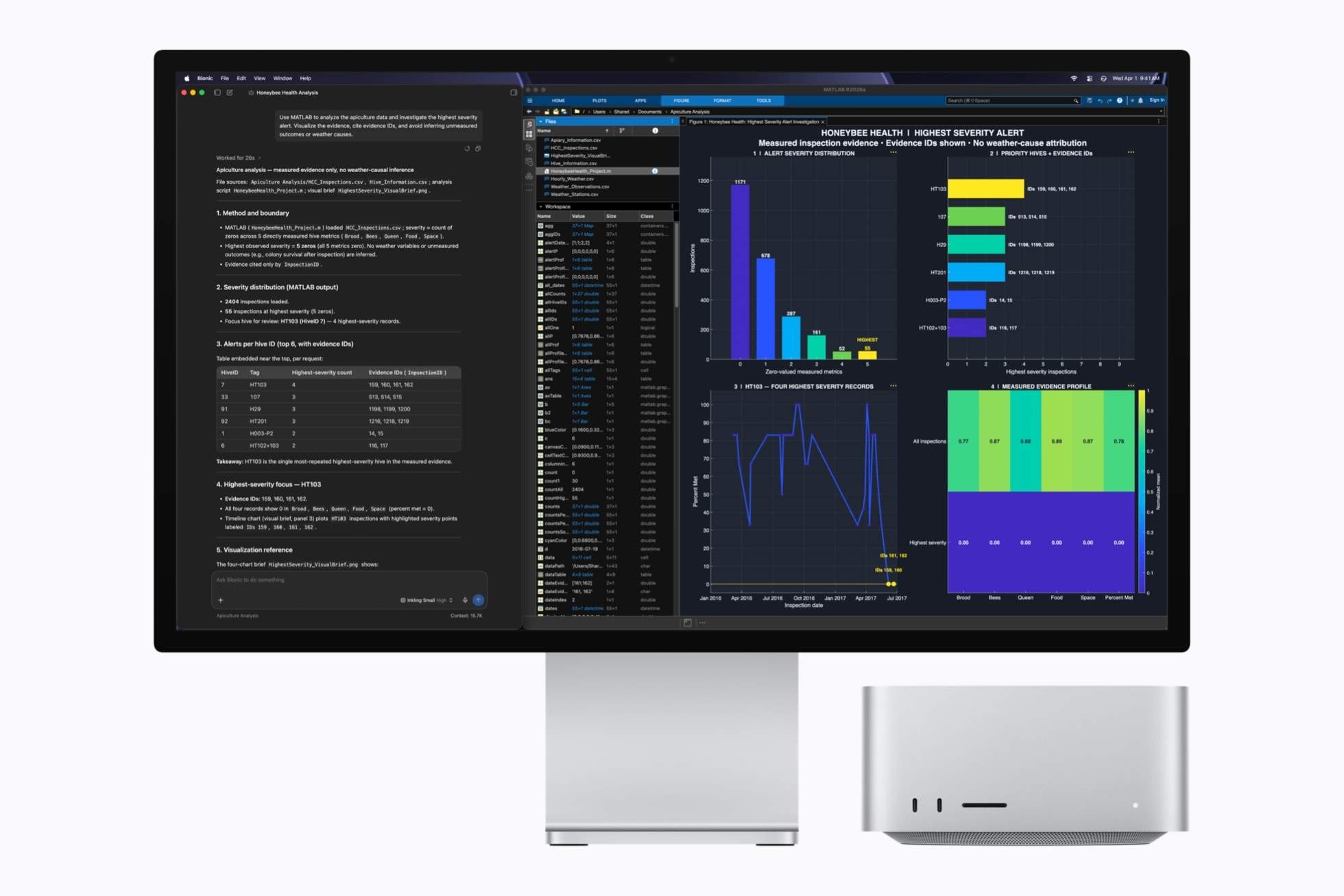
Hardware specs are the headline, but the reason the Mac became a serious local AI box is the software stack around it. LM Studio runs natively on Apple silicon with MLX support, llama.cpp has had a first-class Metal backend for years, and Apple ships MLX as a framework designed specifically for unified memory. When Apple puts LM Studio and MATLAB side by side in the official press material, that tells you local inference is now a marketing pillar for them, not a hobbyist footnote.
The practical difference shows up in boring places. On a multi-GPU rig, running a model that spans cards means tensor parallelism, layers split across devices, and an evening of configuration. On the Mac it is a dropdown: pick the model, it loads, generation starts. For people who want to use models rather than administer them, that simplicity is worth real money. The trade is control. If you like tuning threads, batch sizes and cache types per layer, the GPU ecosystem gives you more knobs. The Mac gives you fewer knobs that mostly work.
Model availability is solved too. Every major open-weight family ships GGUF builds that run out of the box, and MLX-native conversions of the popular models land within days of release. The week a new Qwen or DeepSeek drops, Mac owners are usually benchmarking the same day as GPU owners. That was not true two years ago, when Apple silicon users waited weeks for conversions or accepted degraded builds.
The economics against a GPU rig
Let me put actual numbers on the comparison, because “it depends” helps nobody. A used RTX 3090 with 24GB costs around 700 to 900 euro and runs a 27B at Q4 quickly. Four of them, about 3200 euro plus a beefy PSU, motherboard and case, gets you 96GB at high bandwidth. That rig will out-generate the Mac on everything up to its memory ceiling and lose badly above it. The M5 Ultra Studio sits well above both in purchase price but runs models the GPU rig simply cannot load.
Power flips the table over the machine lifetime. The four-card rig pulls 1000-plus watts under load; the Studio sips around 200. At European electricity prices, eight hours of daily inference costs roughly five times more on the GPU rig. Run that math over three years and the operating cost difference funds a meaningful chunk of a second machine. The silent, room-temperature operation is a free bonus that anybody who has shared an office with a GPU rig will appreciate.
There is also the resale angle, which nobody likes talking about. GPUs hold value surprisingly well while their VRAM stays relevant, then fall off a cliff when model sizes move on. Apple hardware depreciates on a gentler curve because the unified memory ceiling stays useful for years after the compute becomes mid-range. If the 512GB Studio runs 400B models comfortably today, it will still run the 200B models of three years from now with headroom to spare.
What I would tell a friend asking about it
Condensing all of it into advice for three hypothetical friends. To the developer shipping AI features who is tired of API bills and data residency headaches: buy the Ultra config, do not overthink it. The memory ceiling is the product, and it removes an entire category of “does not fit” problems.
To the gamer who wants to tinker with local models between sessions: skip it for now. Your existing GPU runs everything up to the 27B class beautifully, and the models that need 512GB do not make your games better yet. Revisit in a generation, when game-integrated inference is more than a tech demo.
To the homelab builder who already enjoys the cluster route: you knew your answer before I wrote this article. The distributed setup is a hobby in itself and the new Studio does not invalidate it. It just changes the comparison point from “a Mac can barely do this” to “one quiet box does what my six machines do”, and that is worth knowing even if you keep your cluster.
One last thing worth saying plainly: this machine matters because of what it normalizes. When 512GB of usable model memory is a consumer purchase rather than a datacenter line item, every model developer recalculates what “runs on consumer hardware” means. The checkpoints will grow to fill the space. The interesting question is not whether the M5 Ultra Studio is worth it today. It is what the model landscape looks like when this much memory is ordinary.
The cluster alternative
Not everyone is buying one box. The All Spark thread shows the DIY route: network multiple smaller machines and split layers across them with llama.cpp or exo. You get more aggregate memory per euro and worse latency. It is the classic PC-builder trade, more tinkering for more value, and the threads about configuring it are half the fun for the people doing it.
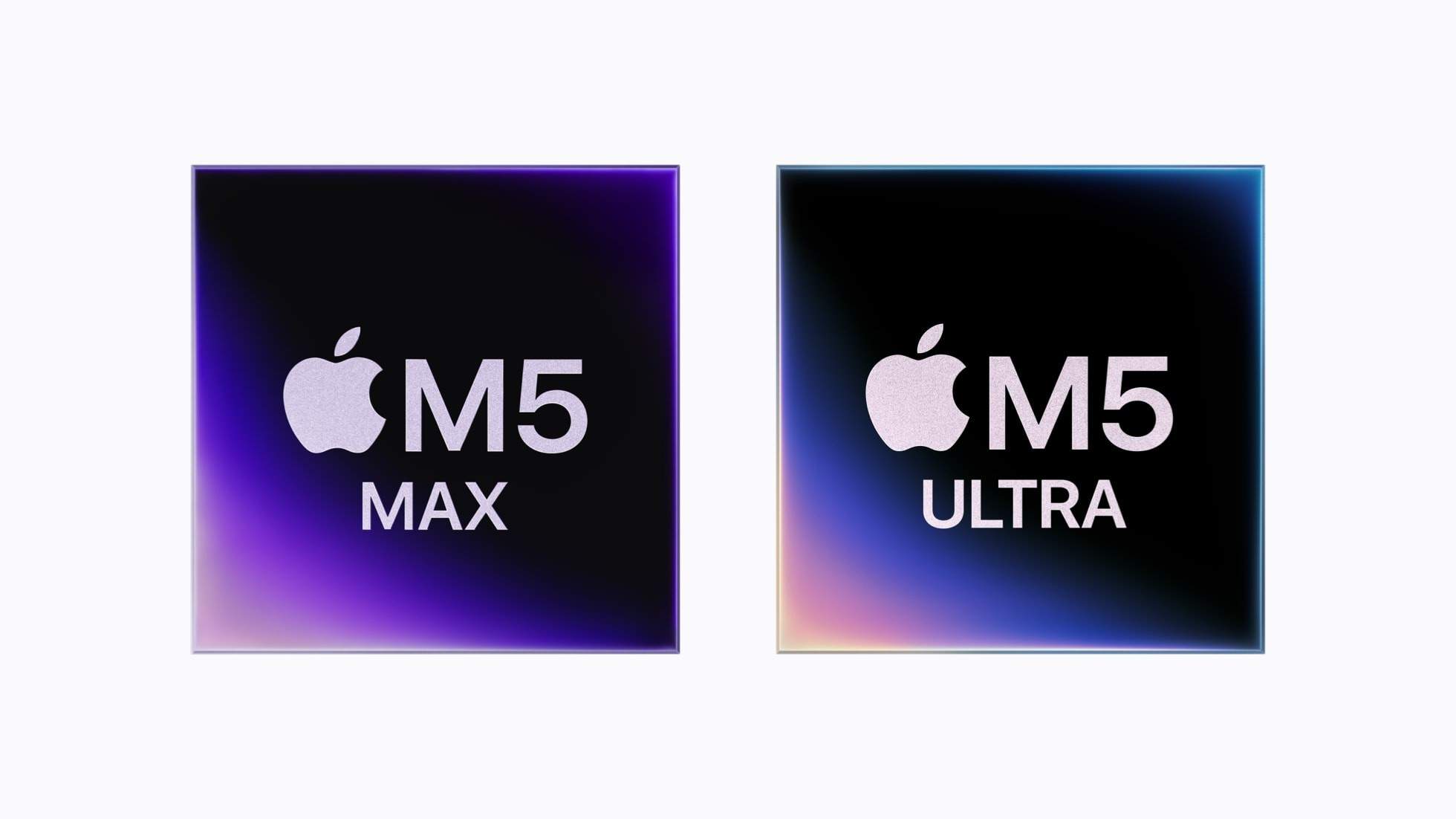
There is also the M5 Max configuration of the same Studio, which tops out lower on memory but carries more GPU compute. If your models are 120GB and below, that is the faster box for you. The Ultra is specifically the “I want the biggest models local” config, and it wears that identity proudly.
Who should actually buy this
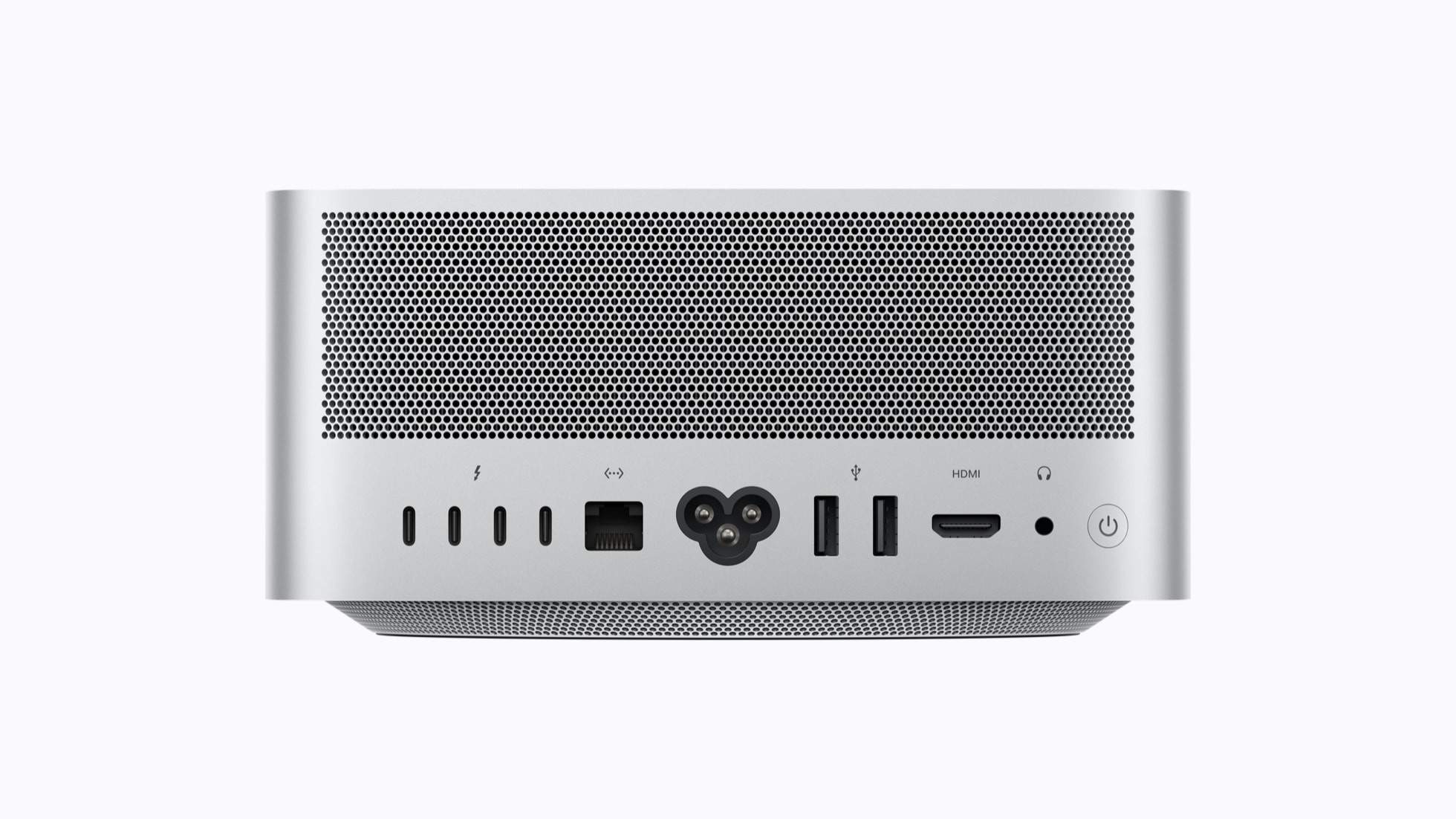
If you develop with local models, test quants, or run agents that need long context, the M5 Ultra Studio is the first Apple machine I would call a rational purchase for AI work. Not a lifestyle purchase, rational. The memory capacity per euro is unmatched, the power draw is a rounding error next to GPU rigs, and the software ecosystem, LM Studio, llama.cpp, MLX, has matured to the point where the Mac is a first-class local AI citizen.
If you already have a 32GB GPU and your models all fit, nothing here changes your life. Keep your rig. The Studio is for the person whose model wishlist has been blocked by a VRAM ceiling, the developer who wants a frontier-class model answering requests without an API key, and the hobbyist who wants to stop deleting checkpoints to make room.
The uncomfortable question this machine raises is for the API business. When a silent desktop box runs the same weights the frontier labs charge premium rates for, the premium has to be justified by something other than access. Speed, maybe. Reliability, sure. But access as the product? That era is ending, and Apple just put a very quiet, very capable full stop at the end of the sentence.
Frequently asked questions
How much unified memory does the Mac Studio M5 Ultra have? The M5 Ultra configuration offers up to 512GB of unified memory shared between CPU and GPU, with 1.2TB/s of memory bandwidth. That is enough to hold a 400B-parameter model at Q8 or a 600B-class model at Q4 quantization.
Is the Mac Studio M5 Ultra fast for local LLM inference? Generation speed is bounded by the 1.2TB/s memory bandwidth, so MoE models with small active expert counts feel quick while dense 400B models generate at reading speed. Prompt processing is slower than a top-end GPU rig, which matters for batch workloads.
Can the Mac Studio M5 Ultra run games? Yes, Apple silicon runs an increasing share of modern game libraries natively, and the same unified memory pool that holds a 400B model also serves game sessions. The machine is aimed at AI workloads first, with gaming as a capable secondary use.
How much storage should I get for local AI models? Budget 4TB minimum. Modern large-model checkpoints are 200GB to 800GB files, so the base storage tier fills after two large models. Think of model storage as the new Steam library problem.
Related reading
More from the local AI desk: Qwen 3.8 27B: the local model that ended the API era, my Qwen3 30B experience and learning curve and the open video models piece.